
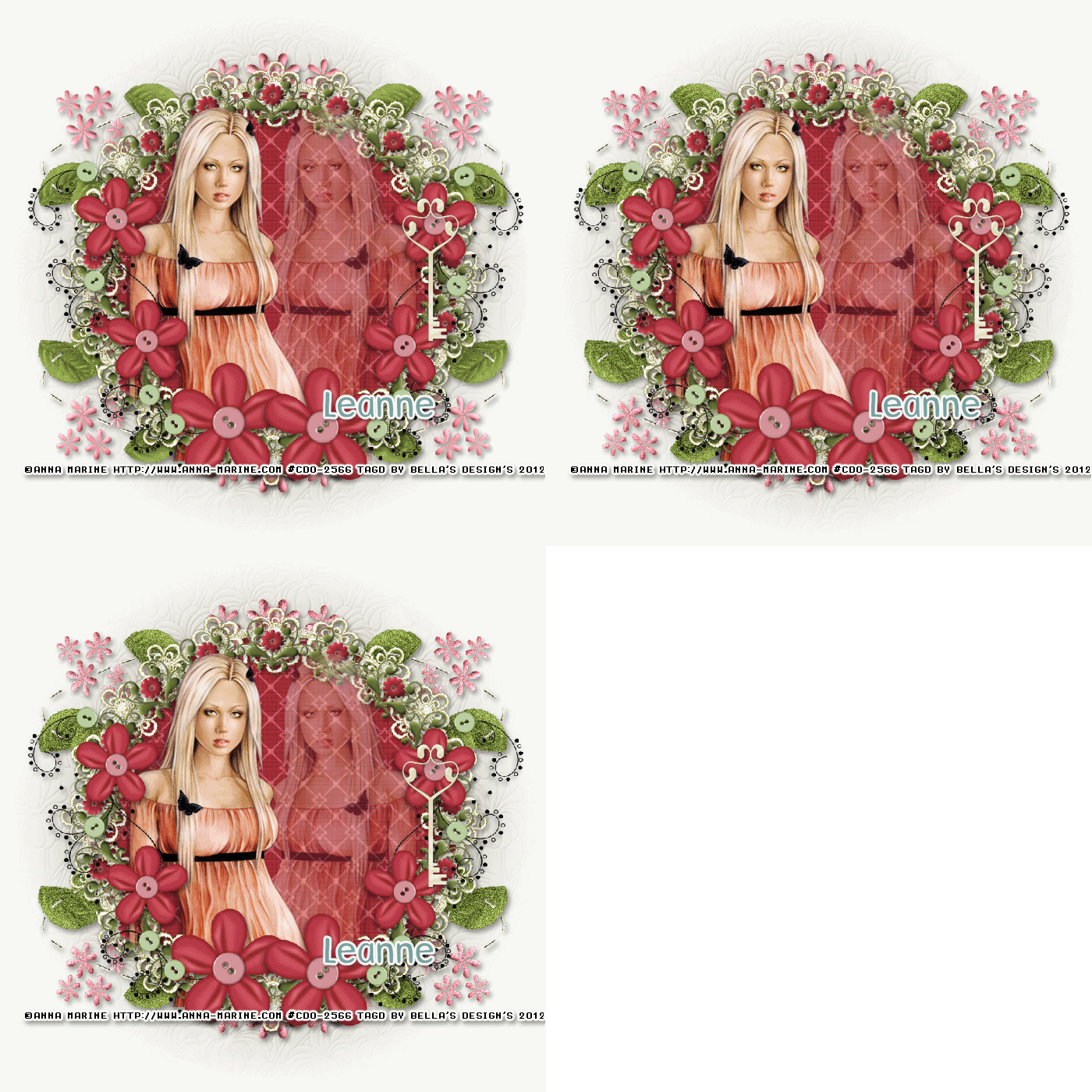
Scrapkit of choice. I used a PTU kit by EmJay Scraps Called springtime buy it at Inspirations Of Scrap Friends
I used the artwork of AnnaMarine You have to be licensed to use this artwork and it can be purchased here
Plug-ins needed:
Lokas Software - 3D Shadow
DSB-Flux:Bright Noise
Open a new canvas 700x700 Transparent
1.Open up your emjay_springtimeelement33 copy and paste as new layer,take your magic wand click inside modify 6 add new layer resize 90% flood with emjay_springtimepapers05Apply Lokas 3D Shadow with settings at B35, T60, Angles X,Y, and Z at 0, zoom 100, Offset X-Y by 5, Perspective at 35 color black.
2.Open up your emjay_springtimeelement32 copy and paste as new layer resize 80%,Apply Lokas 3D Shadow with settings at B35, T60, Angles X,Y, and Z at 0, zoom 100, Offset X-Y by 5, Perspective at 35 color black.
3.Open up your Tube copy and paste as new layer resize 80%,Layer Properties: normal, Opacity 40 on tube layer,Duplicate Image Then Change Opacity to 100,Apply Lokas 3D Shadow with settings at B35, T60, Angles X,Y, and Z at 0, zoom 100, Offset X-Y by 5, Perspective at 35 color black.
4.Open up your emjay_springtimeelement44 copy and paste as new layer duplicates Image Mirror,
5.Open up your emjay_springtimeelement29 Copy and paste as new layer ,Duplicates Image Mirror,Merge down,Sent to bottom,then Duplicates Image Flip,Apply Lokas 3D Shadow with settings at B35, T60, Angles X,Y, and Z at 0, zoom 100, Offset X-Y by 5, Perspective at 35 color black.
6.Open up your emjay_springtimeelement21 copy and paste as new layer resize 60%,Apply Lokas 3D Shadow with settings at B35, T60, Angles X,Y, and Z at 0, zoom 100, Offset X-Y by 5, Perspective at 35 color black.
7.Apply your mask
Add any copyrights and your name.
I hope you enjoyed my tutorial and come visit again real soon!
~*~*~Open animation~*~*~
Copy merged. Open up Animation Shop. Paste as a new animation in AS. Back in PSP. go to Edit
Go to Your emjay_springtimeelement29 apply BrightNoise with these setting Intensity:33,Directions:Mix,Merge Layer Copy and paste in Animation Shop,paste after current layer
Undo BrightNoise Apply BrightNoise again but hit the random seed button. Copy merged and paste after the first frame in AS.
Repeat the above stop one more time so you have a total of 3 frames. Select all frames (CTRL+A) Change the frame properties to 13.
Optimize and save as GIF.
No comments:
Post a Comment